 Women in Claude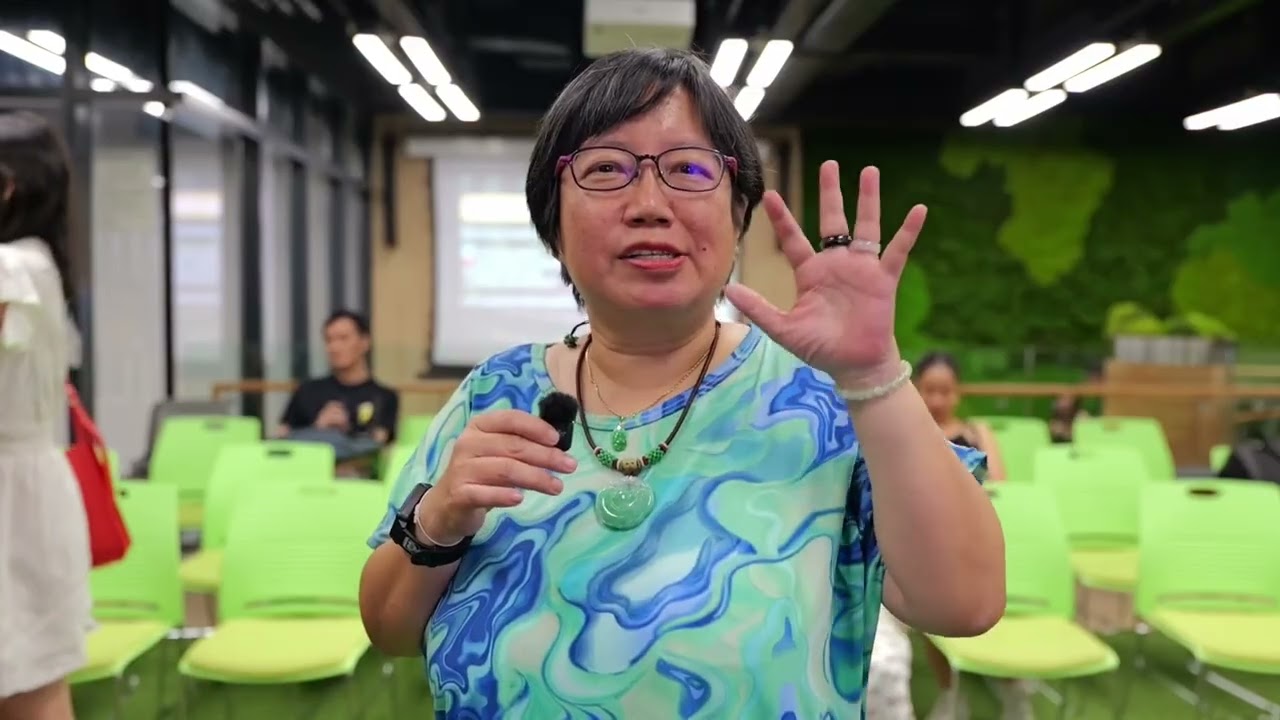
The problem
Amanda had a very familiar travel planning problem: too many tabs, too many bookmarked travel sites, and too many manual checks just to know whether a fare, route, or layover was worth considering.
She had been setting reminders to check prices herself. The work was repetitive, detail-heavy, and easy to drop when the day got busy.
"I was the automaton. Now I have a conversation with AI."
What Amanda built
Amanda used Claude Cowork to design a Google Flights research workflow. The workflow opens Google Flights Explore mode, applies her preferred airline and layover filters, checks the Date Grid for cheaper travel windows, sets a price alert, saves screenshots of the strongest options, and turns the results into a structured summary document.
Instead of manually comparing every route, Amanda can now set the parameters once and let the workflow gather the options. Her job becomes reviewing, deciding, and booking with more confidence.
Before and after
Before: bookmarked travel sites, manual alarms, repeated price checks, and route comparisons that demanded her full attention every time she needed to fly.
After: one conversation to define the travel preferences, then an AI-supported workflow that explores, filters, captures the cheapest dates, sets alerts, and prepares a complete travel summary.
Why it matters
This is the kind of practical AI adoption we love spotlighting: not abstract automation, but a real everyday workflow that gives a busy person her time and attention back.
Amanda did not need to become a developer to build something useful. She translated a tedious personal process into a repeatable AI workflow, then used Claude Cowork as the system that keeps the process moving.
Watch Amanda's walkthrough
Spotlight on Amanda Ong. Build originally published by AI Native Circle.